General Business
Booking Management Dashboard
Manage all your bookings in one place. See your schedule, track appointments, and reduce no-shows with smart automation.
Custom design · Connected tools · Ongoing support

The Challenge
Service businesses struggle with booking chaos — double bookings, no-shows, and scattered calendars lead to lost revenue.
Scheduling Chaos
Multiple calendars and booking sources to manage.
High No-Shows
Missed appointments cost you time and money.
No Overview
Can't see booking patterns or optimize schedule.
Your Booking Control Center
A centralized dashboard that brings all your bookings together, automates reminders, and gives you insights to optimize your schedule.
- Unified booking calendar
- Multi-source booking sync
- Automated reminders (SMS/LINE)
- No-show tracking
- Schedule optimization insights
- Staff availability management
- Booking analytics
- Mobile dashboard access
Why Choose Personatify?
We don't just build websites — we build growth engines for your general business business.
One Place
All bookings in a single dashboard.
Fewer No-Shows
Automated reminders reduce missed appointments.
Smart Insights
Optimize your schedule based on data.
Save Time
Less admin, more service time.
A Visual Starting Point
Explore the visual direction for your business. For completed projects, visit our website portfolio.
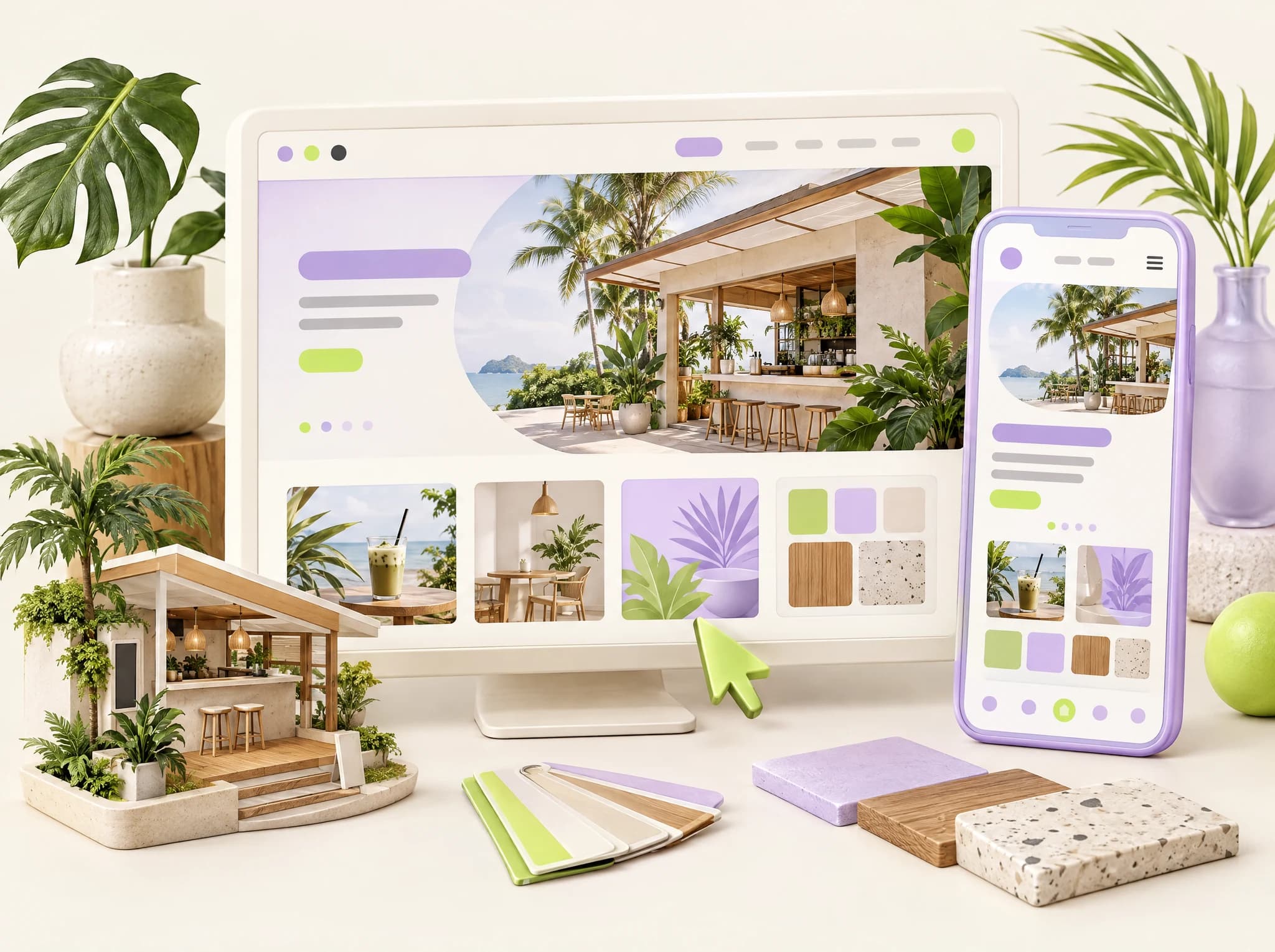
Custom responsive websites
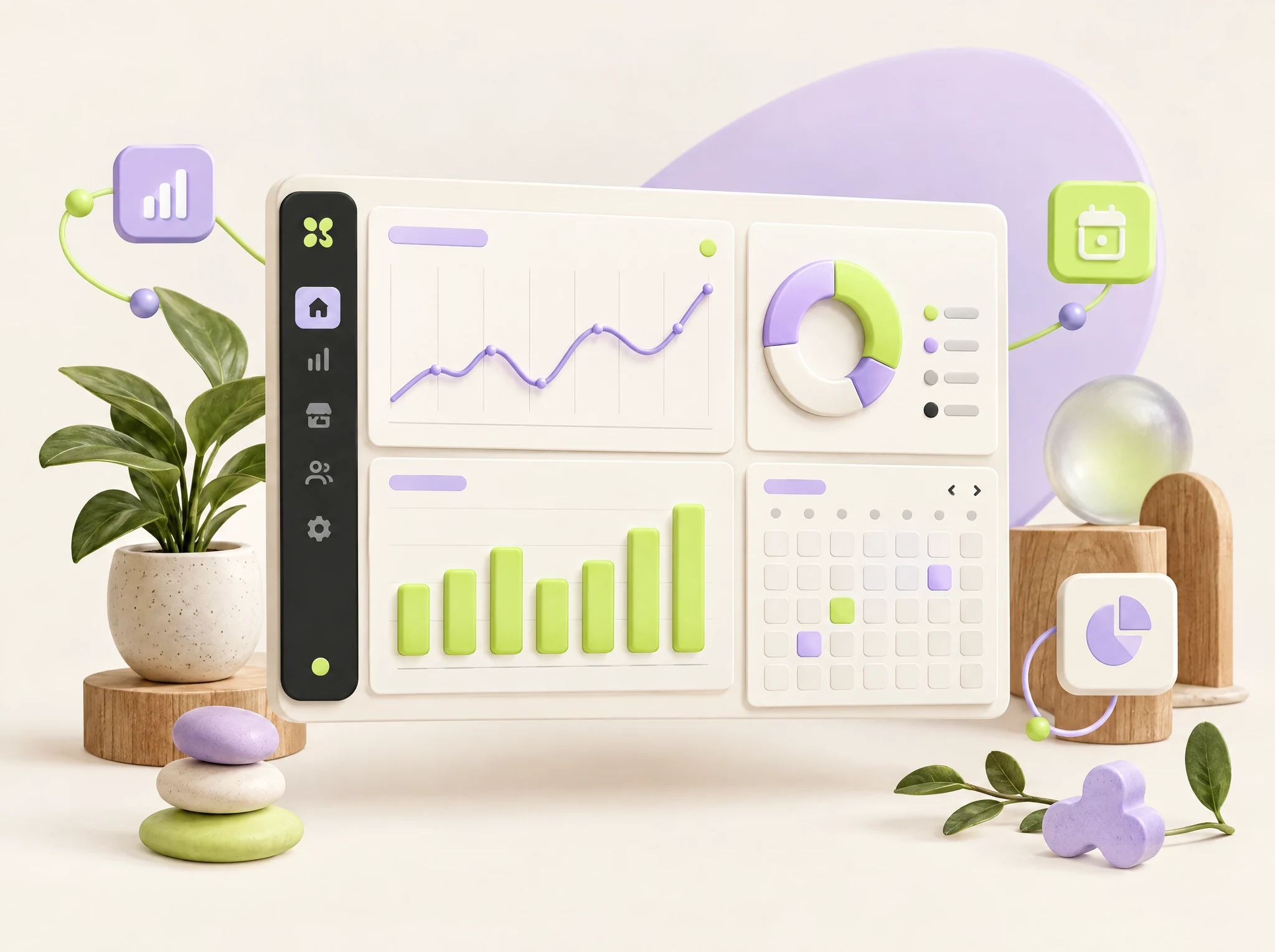
Connected business dashboards
Connected business automation

A friendly first conversation
Common Questions About Booking Dashboard
Everything you need to know before getting started
1What should I prepare for booking dashboard?
List every booking source, staff schedule and resource that can be reserved. Define booking statuses and how each source handles changes or cancellations.
2What needs to be agreed before launch?
Choose the source of truth for availability and the rules for conflict resolution. Test duplicate bookings, calendar updates and reminder timing across connected systems.
3Can this work with our existing website or tools?
Share the website and systems you use for booking dashboard during your consultation. We assess the available connections, data access and content before recommending what to keep, connect or rebuild. Integration scope is confirmed for your project.
4How is the project timeline decided?
The launch date depends on the agreed features, available content and any data migration or external integrations. We confirm the scope, responsibilities and schedule with you before work starts.
Have more questions? Contact us or book a free consultation.
A clear plan for your project
Agreed Schedule
We agree the scope, content responsibilities and launch date before your project starts.
Work You Can Explore
Explore our completed website projects to see the design and functionality of our work.
Ready to Get Started with Booking Dashboard?
Discuss the workflow and features your business needs. Book your free consultation today — no obligation, no pressure.
Ready to Transform Your General Business Business?
Get a free consultation and see exactly how we can help you grow. No commitment, no pressure.