Restaurants & Cafés
Restaurant Menu QR Code System
Beautiful digital menus customers scan at their table. Update prices and items instantly, no reprinting needed.
Custom design · Connected tools · Ongoing support
The Challenge
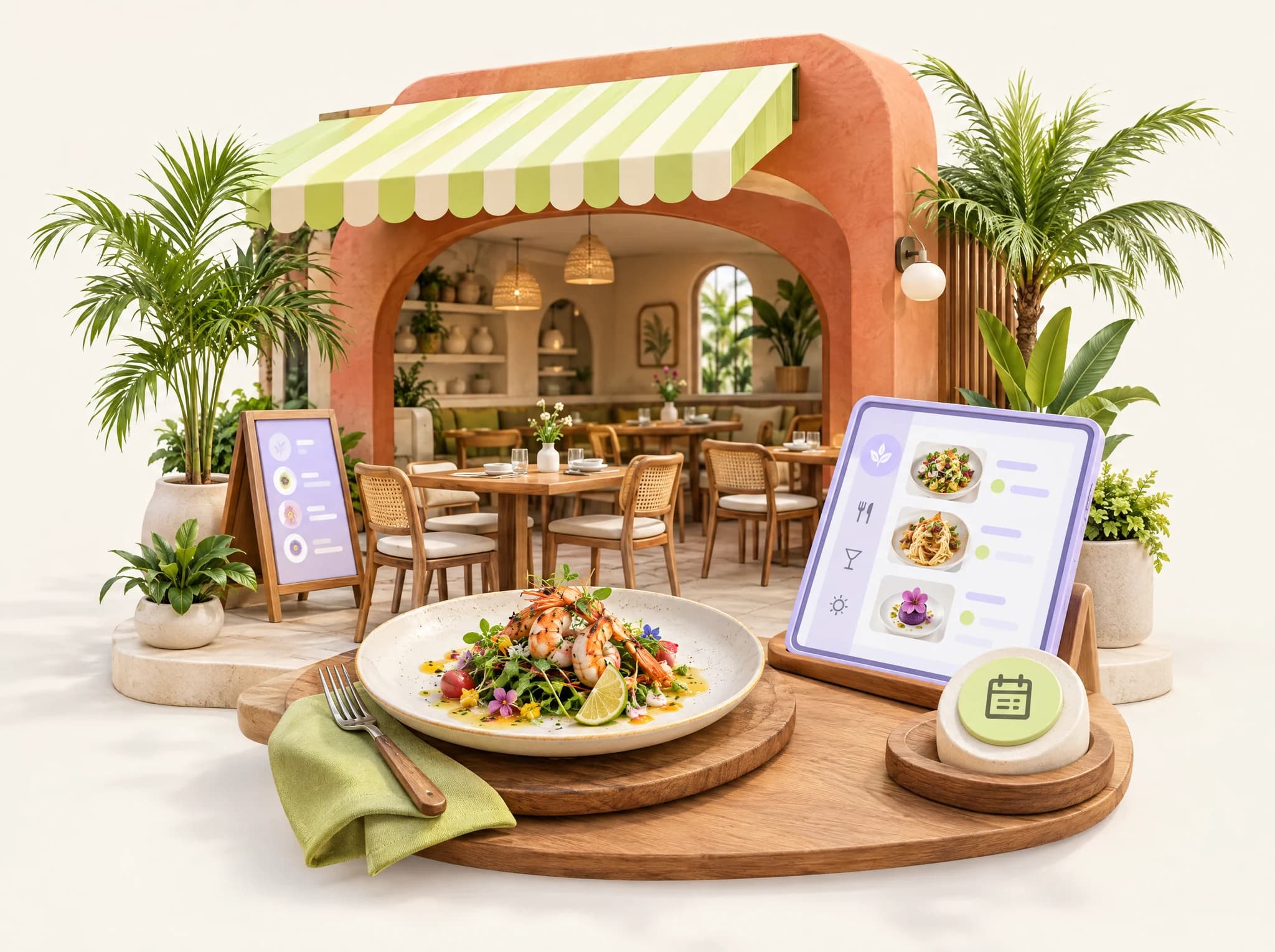
Printed menus are expensive to update, get dirty quickly, and don't offer the interactive experience modern diners expect.
Expensive Updates
Every price change or new item means reprinting all menus.
Hygiene Concerns
Post-pandemic diners prefer contactless options.
Language Barriers
Tourist areas need multiple language menus, multiplying costs.
Digital Menus Made Simple
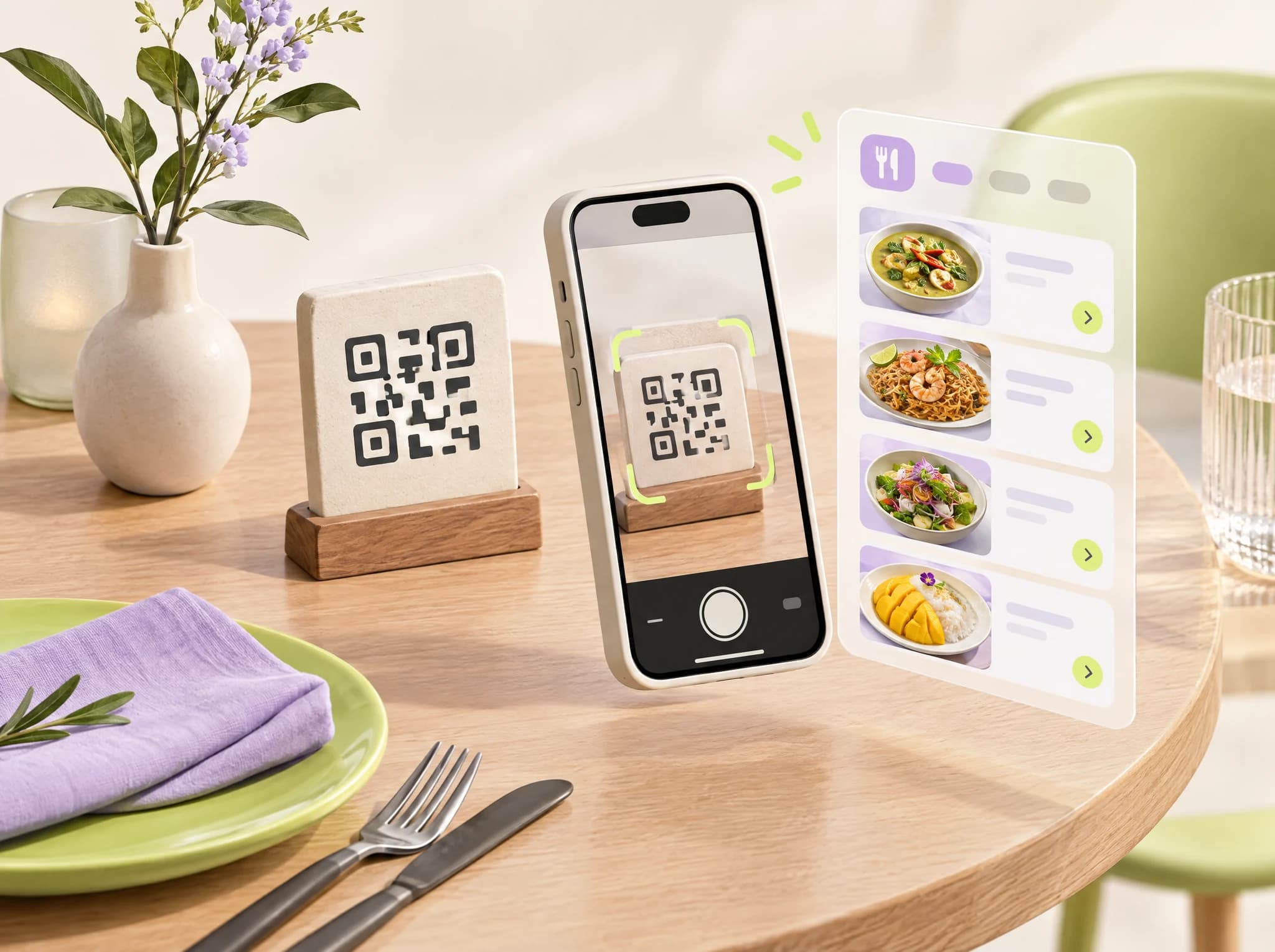
QR code menus that look beautiful on any phone, update in real-time, and support multiple languages — all managed from a simple dashboard.
- Beautiful mobile-optimized menu design
- Real-time updates — change prices in seconds
- Multi-language support (Thai, English, Chinese, etc.)
- Category organization with photos
- Dietary and allergen information
- Daily specials and sold-out markers
- Optional: Scan to order functionality
- Analytics on popular items and viewing time
Why Choose Personatify?
We don't just build websites — we build growth engines for your restaurants & cafés business.
Save on Printing
No more reprinting menus for every update.
Instant Updates
Change prices, add items, mark sold-out in real-time.
Serve Tourists
Automatic language detection for international guests.
Hygiene-Friendly
Contactless experience customers appreciate.
A Visual Starting Point
Explore the visual direction for your business. For completed projects, visit our website portfolio.
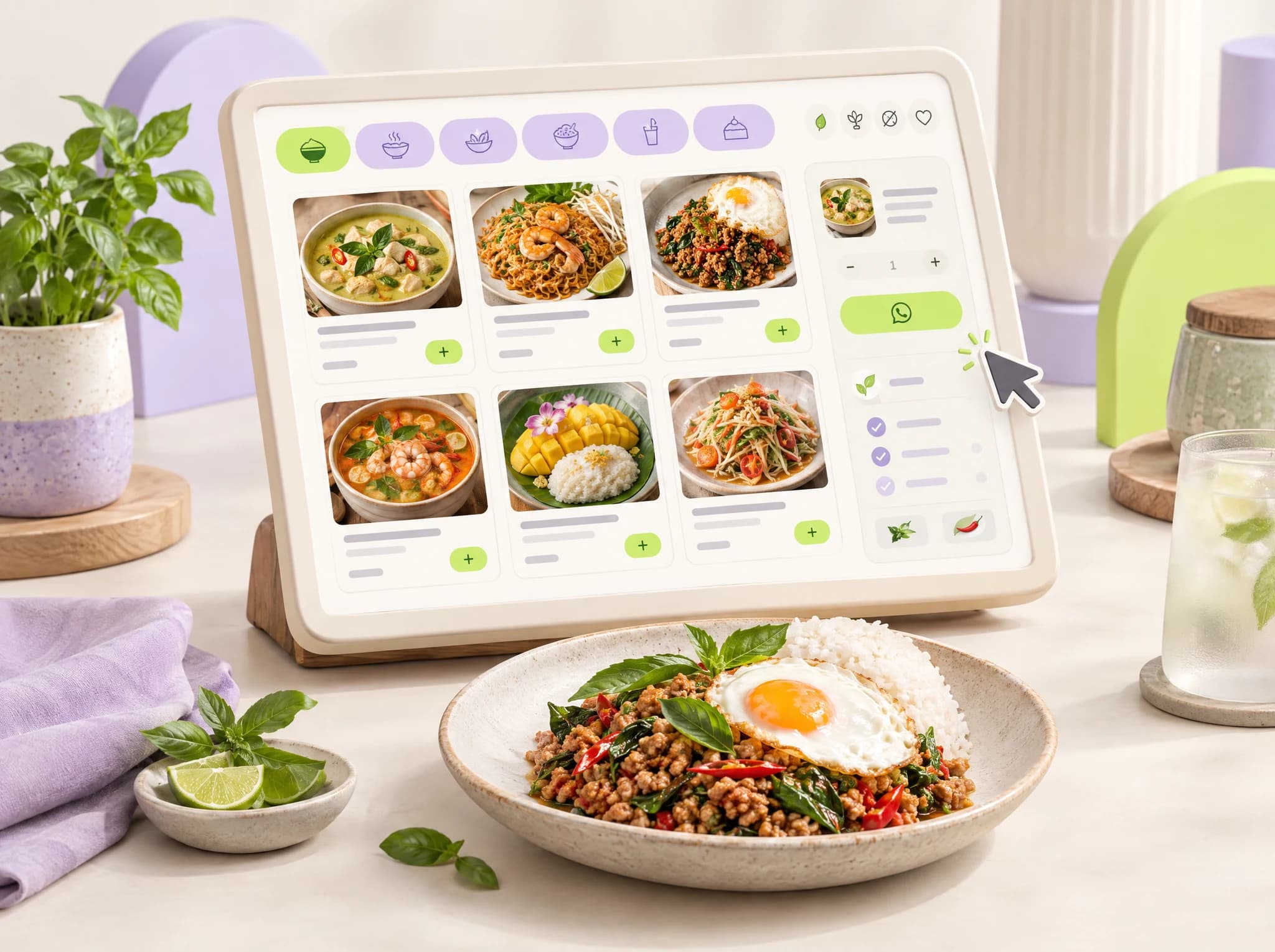
Online Menu & Ordering for Restaurants
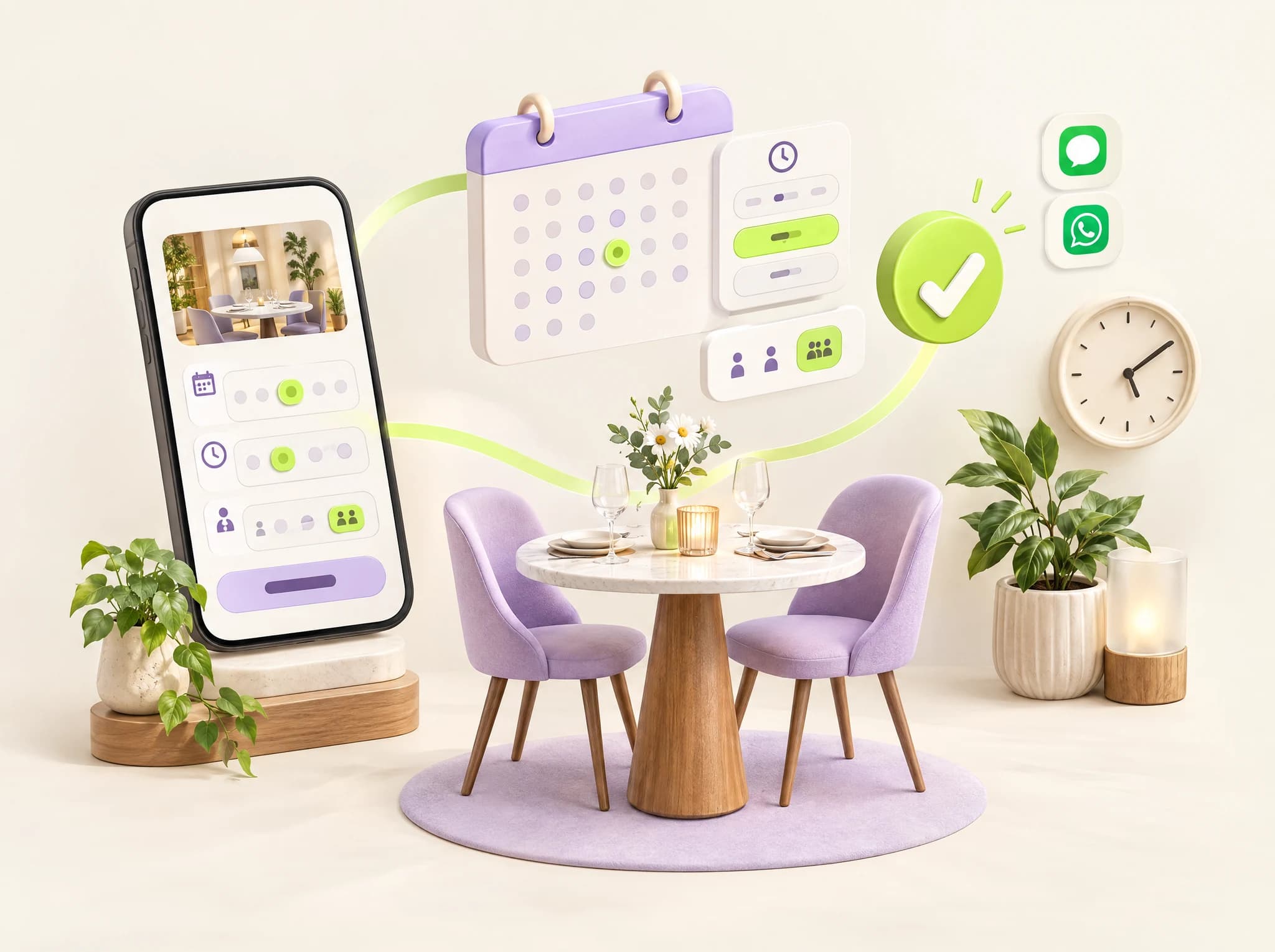
Online Reservation System for Restaurants
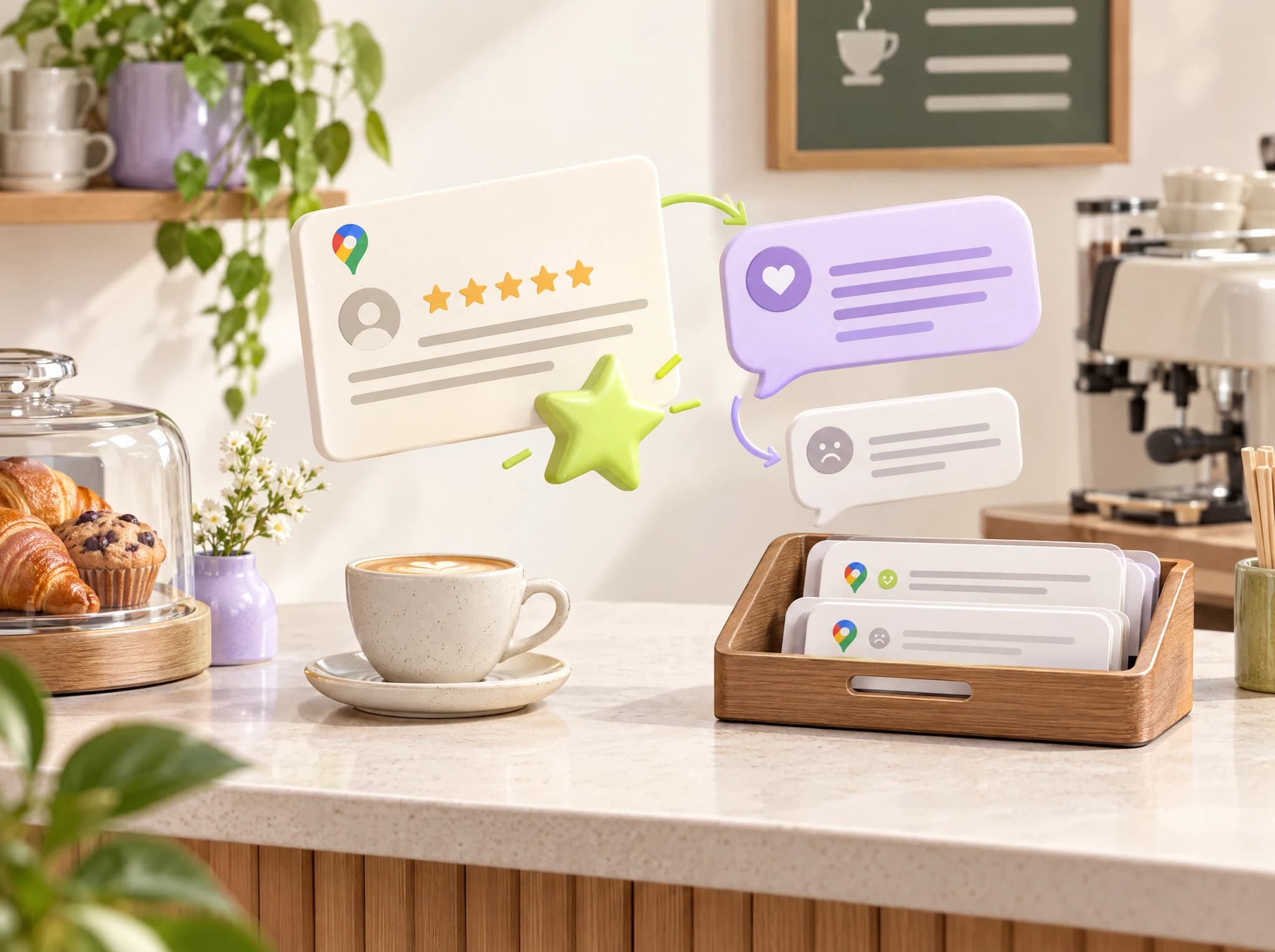
Google Review Management for Restaurants
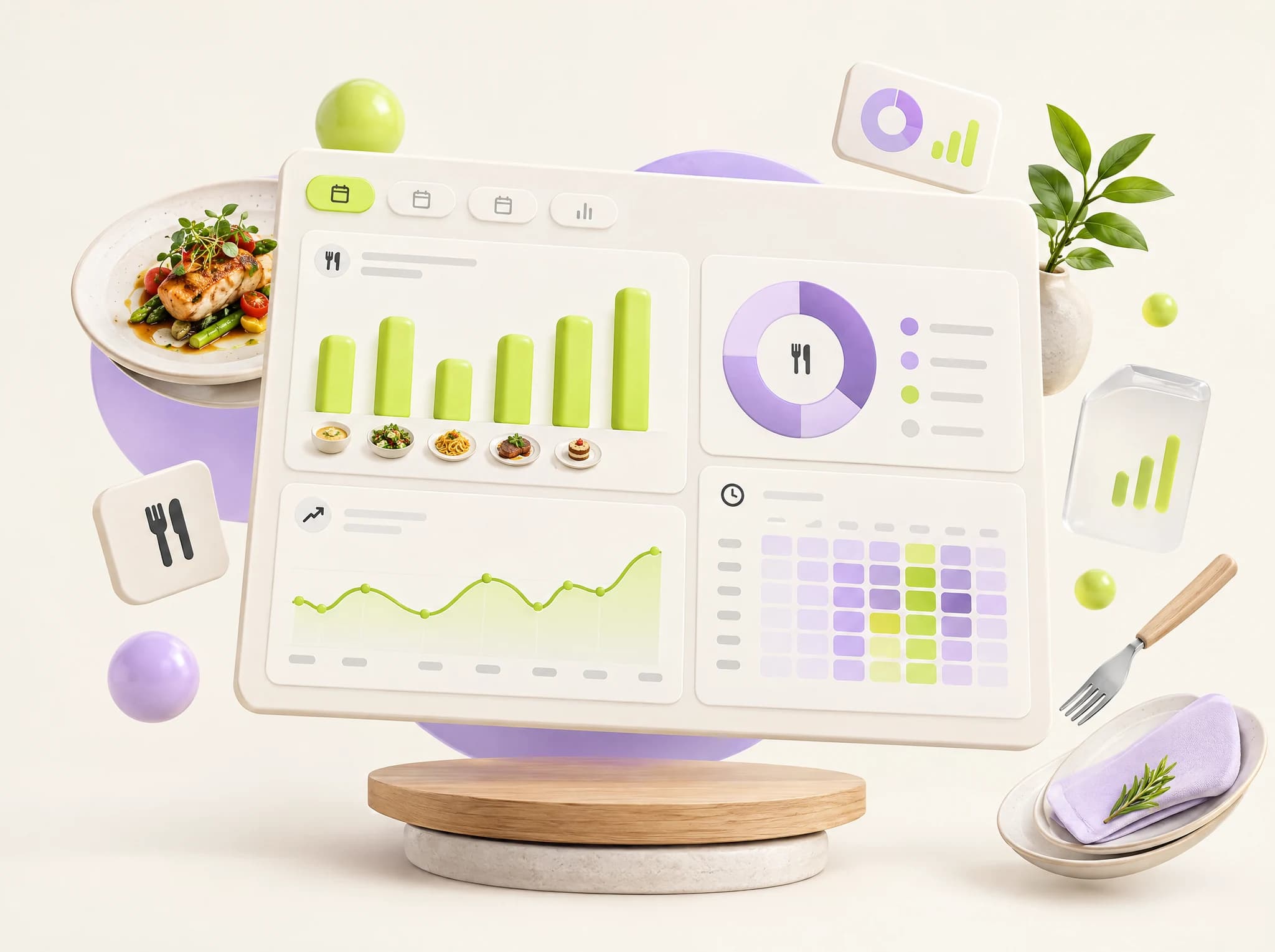
Revenue Analytics Dashboard for Restaurants
Common Questions About QR Menus
Everything you need to know before getting started
1What should I prepare for qr menus?
Supply dish names, descriptions, photos, categories and approved allergen information in each required language. Identify who marks daily specials or unavailable items.
2What needs to be agreed before launch?
Choose a menu-only experience or scan-to-order flow. Test printed QR codes on several phones and make sure future menu changes do not require reprinting the code.
3Can this work with our existing website or tools?
Share the website and systems you use for qr menus during your consultation. We assess the available connections, data access and content before recommending what to keep, connect or rebuild. Integration scope is confirmed for your project.
4How is the project timeline decided?
The launch date depends on the agreed features, available content and any data migration or external integrations. We confirm the scope, responsibilities and schedule with you before work starts.
Have more questions? Contact us or book a free consultation.
A clear plan for your project
Agreed Schedule
We agree the scope, content responsibilities and launch date before your project starts.
Work You Can Explore
Explore our completed website projects to see the design and functionality of our work.
Ready to Get Started with QR Menus?
Discuss the workflow and features your business needs. Book your free consultation today — no obligation, no pressure.
Ready to Transform Your Restaurants & Cafés Business?
Get a free consultation and see exactly how we can help you grow. No commitment, no pressure.